
Download Grimm’s Rapunzel 3D Interactive Pop‑up Book – Free 3D Fairy‑Tale Storybook for Kids
Overview – A Classic Fairy Tale Re‑imagined for Modern Devices
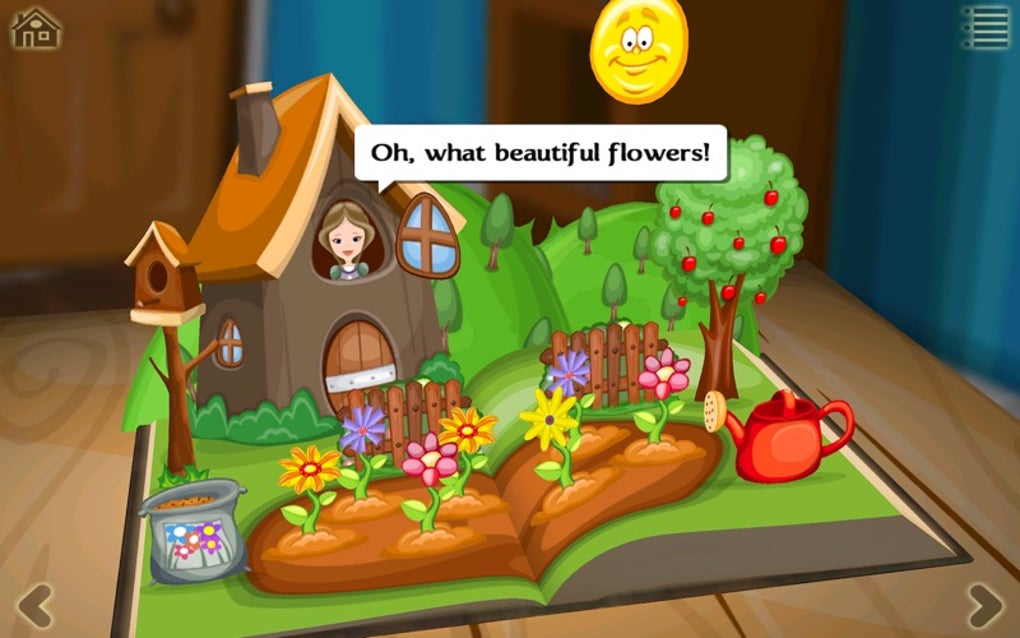
Grimm’s Rapunzel 3D Interactive Pop‑up Book brings the beloved tale of Rapunzel to life in a vibrant, digital format that feels like a real pop‑up book in the palm of a child’s hand. Designed for curious young readers aged 3‑8, the app offers eight fully animated 3D scenes, 29 beautifully illustrated pages, and narration in seven languages. Whether a child prefers to be read to, read independently, or watch an autoplay demonstration, the experience adapts to every reading level.
The app’s intuitive touch controls let kids pull the tower’s bricks apart, braid Rapunzel’s hair, and even help the brave prince solve simple puzzles that advance the story. With a mix of colourful artwork, friendly voice‑overs, and interactive tasks, the application serves as both entertainment and an early‑learning tool that encourages fine‑motor skills, language development, and storytelling comprehension. Parents can rest easy knowing the content is ad‑free, securely hosted, and regularly updated to stay compatible with the latest operating systems on Windows, macOS, Android, and iOS devices.
In short, Grimm’s Rapunzel transforms a timeless classic into an engaging, educational adventure that families can enjoy together—anytime, anywhere.
Key Features & Compatibility – What Makes This App Stand Out?
- Eight fully interactive 3D pop‑up scenes that respond to touch gestures.
- 29 illustrated pages with on‑screen text available in English, Spanish, French, German, Italian, Portuguese, and Dutch.
- Professional voice‑over narration for each language, with the option to toggle sound on or off.
- Three reading modes: Read‑to‑Me (narrated), Read‑it‑Myself (text only), and Autoplay (automatic progression).
- Simple puzzle tasks that teach cause‑and‑effect, such as pulling the tower down or tying Rapunzel’s hair.
- Child‑safe UI with large icons, minimal text, and no in‑app purchases or advertisements.
- Regular content updates that add seasonal decorations and new language packs.
- Offline mode – once downloaded, the story can be enjoyed without an internet connection.
Supported Operating Systems
The application is built with cross‑platform technology, ensuring a smooth experience on the following systems:
- Windows 10 and later (64‑bit)
- macOS 10.13 High Sierra and later
- Android 7.0 (Nougat) and later
- iOS 12.0 and later (iPhone, iPad, iPod Touch)
Minimum hardware requirements are modest—a device with at least 2 GB RAM and a 1 GHz processor can run the app without lag. The app automatically detects the device’s language settings and suggests the matching narration, making the setup process seamless for parents and children alike.
Installation, Setup & Usage – Getting Started in Minutes
Step 1 – Download the App
Visit the official website or your device’s app store (Google Play, Apple App Store, Microsoft Store, or Mac App Store) and search for “Grimm’s Rapunzel 3D Interactive Pop‑up Book.” Click the “Download” button – the app is free, with no hidden fees. The download size is approximately 120 MB, so a stable Wi‑Fi connection is recommended for the first install.
Step 2 – Install & Grant Permissions
After the download completes, follow the on‑screen prompts to install. On Android, you may need to allow “Install from unknown sources” if you download from the website; on iOS and macOS, the process is handled automatically. The app requests permission only for storage access (to save progress) and audio output for narration.
Step 3 – Choose Your Language & Reading Mode
Upon launch, the welcome screen displays a language selector. Choose the preferred language and tap “Next.” You will then see three icons representing the reading modes. “Read‑to‑Me” plays narration while highlighting text, “Read‑it‑Yourself” shows static text for independent reading, and “Autoplay” automatically flips pages and animates scenes.
Step 4 – Interact with the Pop‑up Scenes
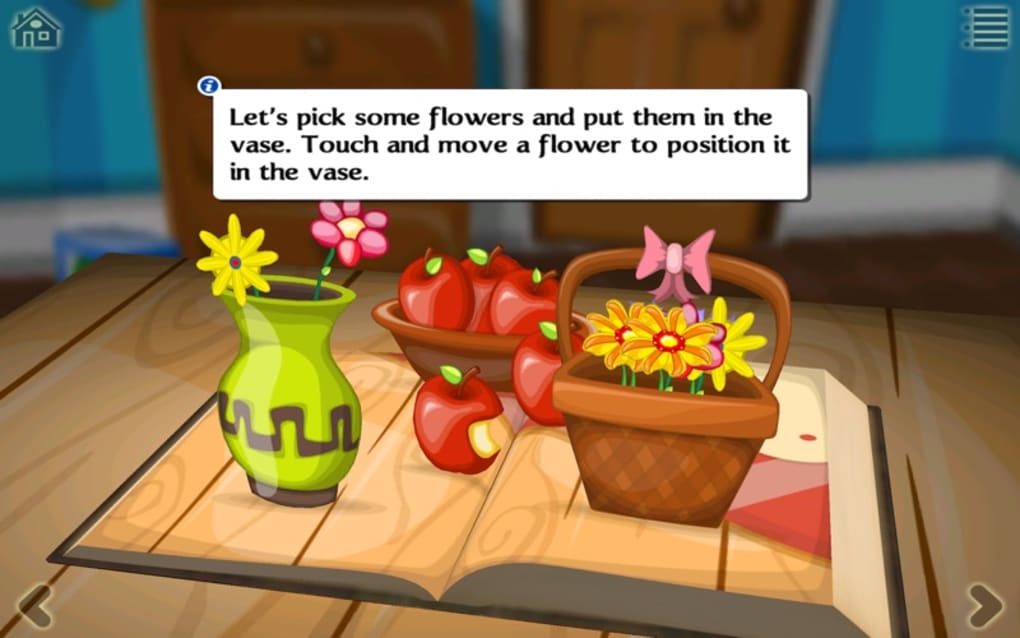
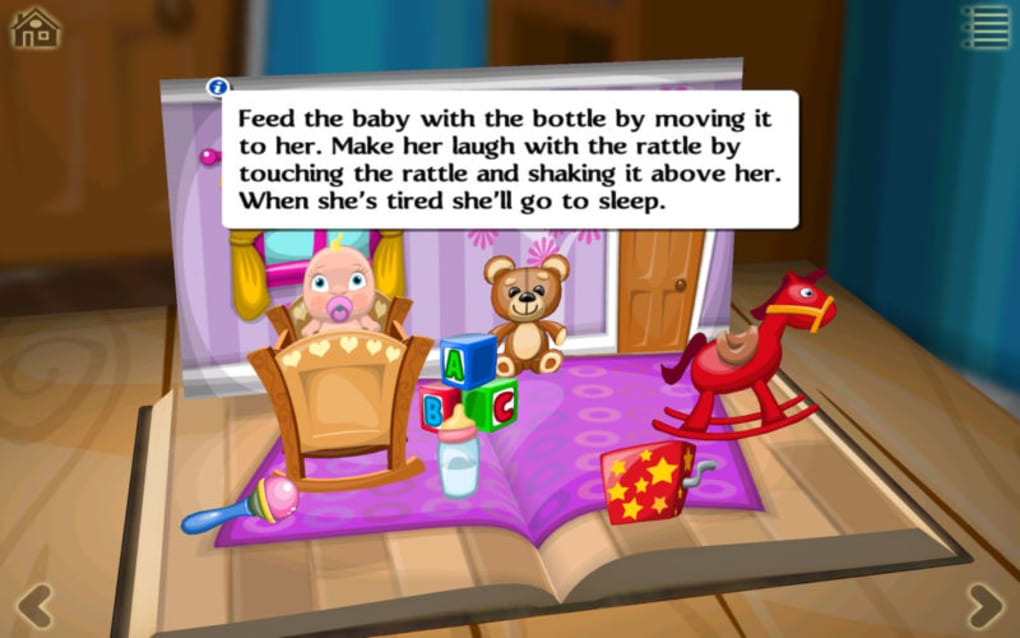
The first scene opens the tower. Tap any highlighted element (indicated by a gentle glow) to trigger animation. For example, pulling the tower’s brick will cause it to crumble, revealing Rapunzel’s window. Simple gestures such as pinch‑to‑zoom, swipe, and drag are supported, making the experience intuitive for small fingers. Each interactive element provides a subtle sound cue, reinforcing cause‑and‑effect learning.
Step 5 – Save Progress & Return Later
The app automatically saves the child’s progress after each scene. When you reopen the app, a “Continue Where You Left Off” button appears, allowing the child to pick up the story without losing any achievements or unlocked mini‑games. Parents can also reset the story from the Settings menu if a fresh start is desired.
Tips for Parents
• Use the “Parental Controls” tab to limit session length.
• Enable “Night Mode” for low‑light reading.
• Explore the “Extras” section for seasonal decorations that can be unlocked by completing all puzzles.
Pros & Cons, Frequently Asked Questions & Expert Review
Pros
- Immersive 3D pop‑up visuals that keep children engaged.
- Multi‑language support and professional narration.
- Ad‑free, safe environment with no in‑app purchases.
- Flexible reading modes for different developmental stages.
- Regular updates add new content and keep the app compatible.
Cons
- Requires at least 120 MB of free storage.
- Complex gestures may need a brief tutorial for the youngest users.
- Limited to the Rapunzel story; no additional fairy‑tale titles (planned for future releases).
FAQ – Your Questions Answered
Is Grimm’s Rapunzel 3D Interactive Pop‑up Book completely free?
Yes, the app is free to download and use. All content, narration, and updates are provided at no cost, and there are no hidden in‑app purchases or advertisements.
Can I use the app offline?
Absolutely. Once the app and its language packs are downloaded, the entire story can be accessed without an internet connection, making it perfect for travel or limited‑connectivity environments.
What age range is the app best suited for?
The app is designed for children ages 3‑8. Younger kids will enjoy the “Read‑to‑Me” mode with narrated text, while older children can switch to “Read‑it‑Yourself” to practice independent reading.
Does the app store any personal data?
No personal data is collected beyond the minimal information needed to save progress locally on the device. The app does not transmit data to external servers unless you choose to enable cloud backup (optional).
Are there any plans for additional stories?
The developers have announced a roadmap that includes new fairy‑tale titles such as “Cinderella” and “Hansel & Gretel,” which will be released as free updates in the coming year.
Expert Review
Rating: 4.7/5
Summary: Grimm’s Rapunzel 3D Interactive Pop‑up Book delivers a high‑quality, ad‑free reading experience that blends classic storytelling with modern interactive technology. The vivid 3D visuals, multilingual narration, and flexible reading modes make it an excellent educational tool for early readers. Minor drawbacks such as storage size and the learning curve for gestures are outweighed by the app’s pedagogical value and polish.
Conclusion – Bring Rapunzel’s Tower to Life Today
Grimm’s Rapunzel 3D Interactive Pop‑up Book proves that classic literature can thrive in a digital age without losing its charm. By turning a beloved fairy tale into a hands‑on, multilingual adventure, the app supports language development, motor‑skill practice, and a love for reading—all within a safe, ad‑free environment. Parents looking for a high‑quality, free educational app will find this title a standout choice, and children will delight in the magical pop‑up scenes that feel as real as a paper book you can touch. Download the app today, explore Rapunzel’s tower, and watch your child’s imagination climb to new heights.
Download now and start the adventure for free!